Add Group
The Add Group feature allows administrators to create new groups and associate policies with them. Groups help in organizing devices and applying policies consistently.
Steps to Add a Group
- Navigate to Management > Groups.
- Click the Add Group button at the top of the page.
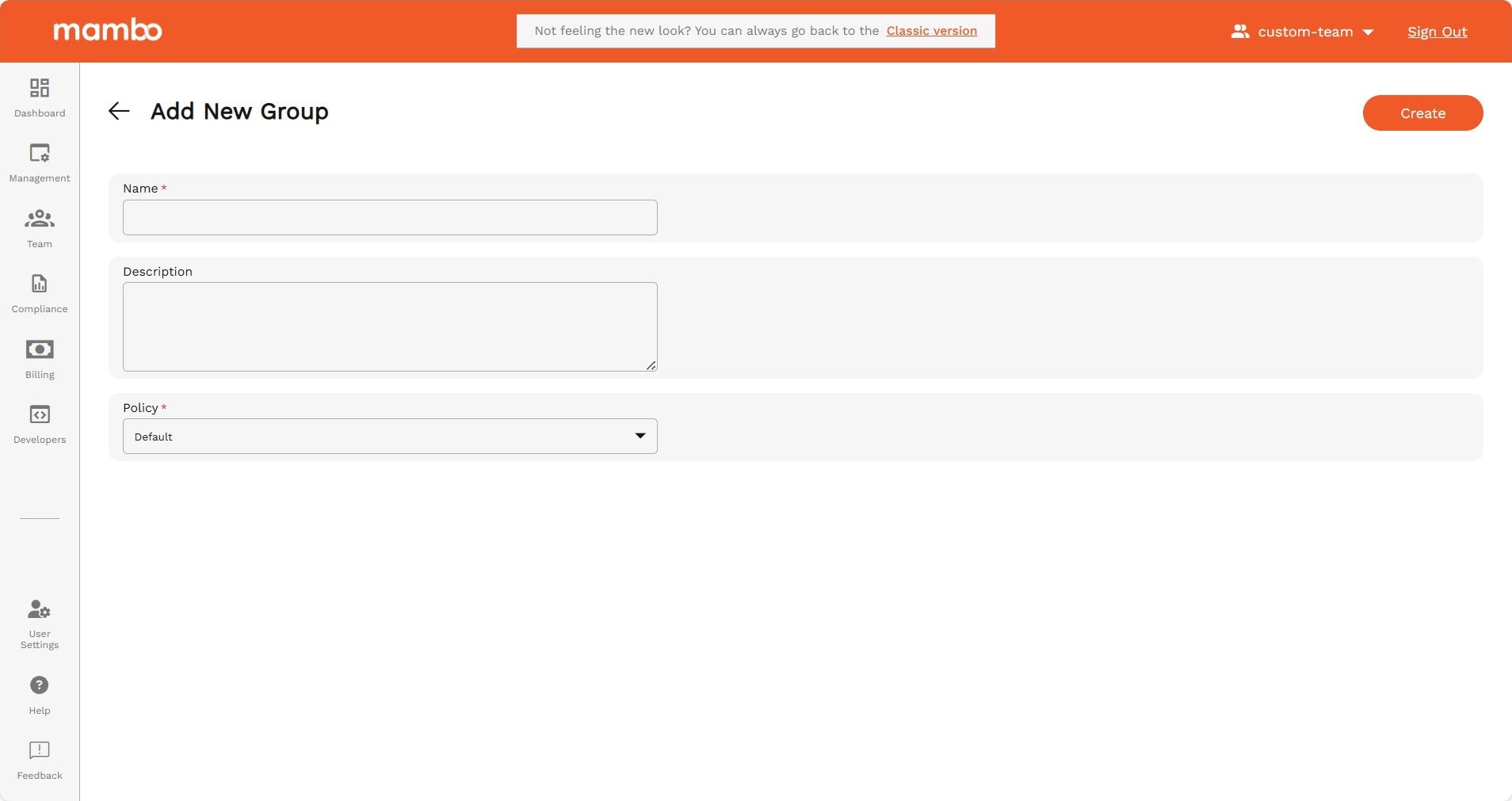
- Fill in the details:
- Name – Enter a unique name for the group.
- Description (Optional) – Provide a short description of the group.
- Policy – Search and select a policy to associate with this group.
- Once all details are entered, click Add to create the group.
Key Features
- Organized Management – Structure devices into meaningful groups.
- Policy Association – Assign policies at group level for easier enforcement.
- Scalable – Multiple groups can be created to match organizational needs.
Summary
The Add Group option simplifies the process of creating a new group and linking it with a policy for centralized management.